A few years back, I let my blog’s domain name expire. And my blog was gone. Ten years of posts; terrible ones in 2006, but over the years, I learned how to write – a little. Learned how to get my ideas out on the page – somewhat. It’s a journey.
And I lost that journey when I lost my blog. BUT! At some point, I’d installed a plugin that e-mailed me copies of my blog database. They went to an e-mail folder I never even looked at. And I hadn’t been blogging for a couple of years, but at some point I’d thought to download all the blog pictures. Just in case.
So, I had those available.
Come 2020, I’m on Twitter, as we called it back then, and a lot of the people I talk with were mentioning “Blapril”, I think it was. April 2020, a month into lockdown, and nobody could leave the house.
Weird that all it took was a global pandemic and utter boredom to get me writing again.
Anyway, I started from scratch on this blog. Eventually, the web developers in the Blaugust group started doing fun things with their blogs, like rewriting their whole blog as static HTML or writing whole content management systems from scratch, and I said, hey, I could do that.
The new Wordpress had changed their format since I’d made those old backups I found in my e-mail, but I wrote a Python program to read it all in, change the format, and write it all out again. I stood up a temporary copy of West Karana on an EC2 instance, then took the content I’d made here on Chasing Dings, folded that in, exported it all using the Wordpress tools, imported it here, uploaded the images and I WAS BACK IN BUSINESS. All my posts, good or bad, back.
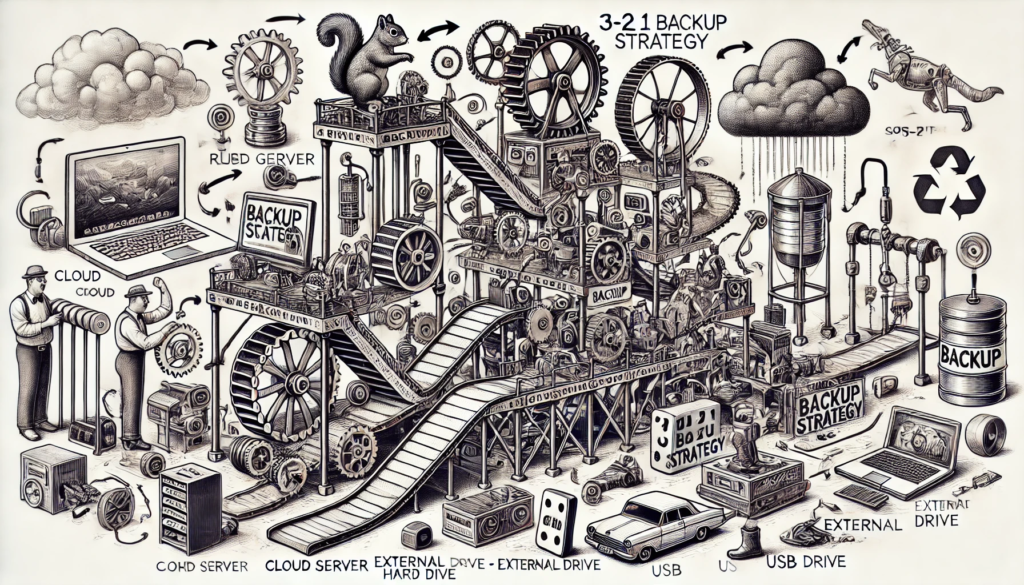
A couple of days ago I was congratulating myself, once again, on having backed up all the WK stuff, when it occurred to me that that backup was all I had. I could lose the Chasing Dings stuff, everything I’d written here since the start of the pandemic. I got my blog to export all its data so I’d have it locally, just as I’d done with West Karana.
But what if my computer suddenly died? I’d lose that backup, and all the other stuff I have on my computer.
I’ve worked in computers for years. I even had a job once where I was making the backups and sending them offsite every day. I was just being lazy about not setting up something here, at home.
So, I bit the bullet and signed up for the paid version of Microsoft’s OneDrive. I looked at a lot of solutions, many not part of some huge megacorp, but this was the one that I trusted most. Google Drive means dealing with Google, who has been known to shut down accounts for no reason. That would lose me my e-mail, all my data, everything. I don’t trust Google.
I don’t trust Amazon for similar reasons. I do use AWS, but I have to, for work, so it makes sense I would use it for hobby stuff as well. But, they could shut me down, and then I lose everything.
So could Microsoft, of course, but I poked around and it doesn’t seem like that’s the kind of thing they do, so… I went with them. I went with the 1 terabyte plan, and that comes with the Office Cloud 365 apps – Outlook, Excel, Powerpoint and Word. I haven’t installed them, yet, but it’s nice to know I can move to them if I like. Outlook would allow me to unload my e-mail from GMail, bringing it locally, and able to be backed up.
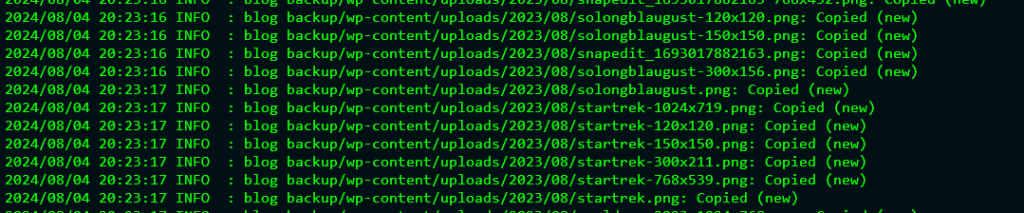
I chose for my backup software rclone. It’s widely used, it’s cross-platform, and it is scriptable. It doesn’t come with a UI, but I think some are available. Having it be scriptable was important to me, though. Now I can just run my backup script and everything important on my computer gets sent to the cloud.
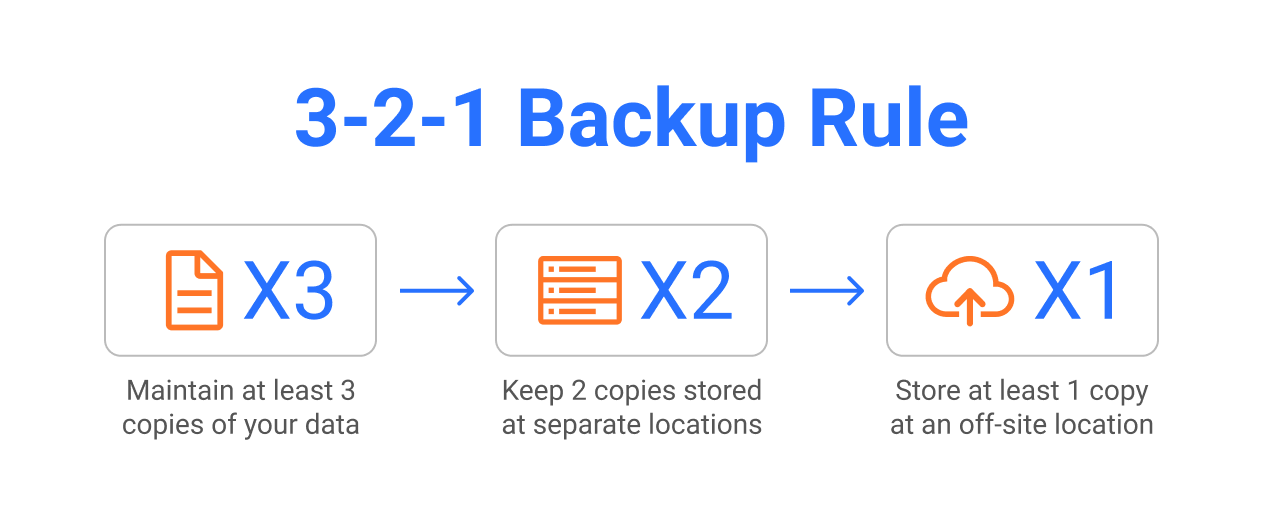
Three places – OneDrive, Bluehost (my blog host), and my computer.
Two locations – it’s in three. Two on the cloud, one locally.
At least one offsite – two in the cloud.
My blog is safe.
OR IS IT?
As of … right now, everything is backed up. But tomorrow, it won’t be.
I’m going to need to teach rclone how to look into Bluehost make a backup copy of the blog data and any new media, download that, and then upload that to OneDrive – automatically. (After I wrote this blog post, I went and configured rclone to go get any new media, bring it down to my computer, and then back it up on OneDrive. Now I just need to get a daily backup of the content done.)
So I’m not at the end of the backup journey, but I’m not at the beginning of it, either. I’m somewhere in the middle.
But if my blog suddenly vanished tonight, I’d be able to restore it. Just one more small step, and it’ll be entirely safe – along with all my tax information, other personal documents, pictures of my family and so on.
(Oh yeah, rclone supports encryption, too. That’s important when you don’t want megacorps looking at your tax information, personal documents, and pictures of your family).